Français
 English
 Español
 Deutsch
 Italiano
How to rename a computer remotely ?
I want to change the name of a computer on a domain or a workgroup.
How may I proceed?
First, download the free 30 day version of our software if you have not installed it yet: Download IDEAL Administration.
Once installed, just execute it under a domain admin account.
To rename a remote computer, proceed as follows:
- Execute IDEAL Administration or IDEAL Remote
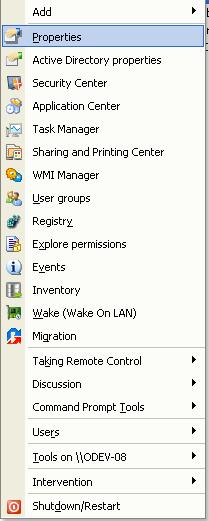
- Right click on the computer, then "Properties".
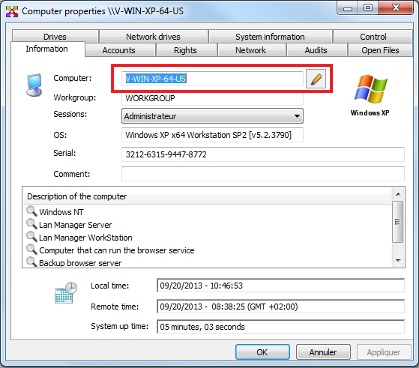
- From the "Information" tab, click on the "Rename" button.
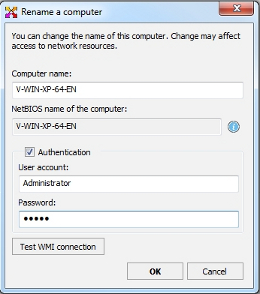
- The function used to rename a computer uses the WMI layer. Before changing the name of the computer, please check if the WMI connection runs between the local and the remote computer by clicking the "Test WMI connection" button.
- If the test fails, you must first fix this problem (authentication issue, firewall, WMI service ...)
- If this test is successful, you can enter the new computer name, and an account with administrative rights then confirm.
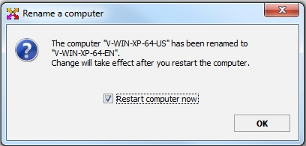
- If the computer has been correctly renamed, a window will prompt you to immediately restart the remote computer for the change to take effect.