


 Français
 English
 Español
 Deutsch
 Русский

Espace Reva
2 allée Josime MARTIN
13160 CHATEAURENARD
FRANCE
Tel. : 33 9 77 63 61 94
Fax : 33 4 32 62 71 35 Tel.: 33 9 77 63 61 94

FAQ : IDEAL ADMINISTRATION
Controlla il tuo Active Directory in tempo reale, senza agenti
How to take remote control of a client workstation from a smartphone or tablet?Computer Remote Control using a smartphone or tablet |
I want to take control of my workstations and servers using a Smartphone or Tablet. |
|
IDEAL Administration and IDEAL Remote allow you to take control of computers on your network using a Smartphone or Tablet.
You must modify the TightVNC configuration so as not to stop the TightVNC service at the end of the takeover. By default, our software stop this service when the takeover ends. If the Remote Contron Agent is already installed on the remote computers and servers, it is necessary to reload the TightVNC configuration on them for this change to take effect.
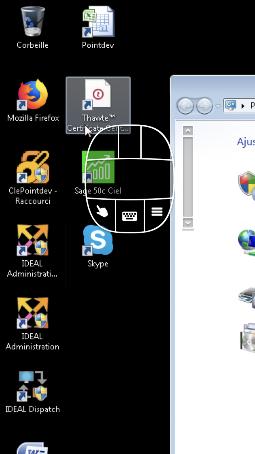
Install the Remote Ripple app from the store of your smartphone or tablet and add a computer by its IP address or network ID.
|
| Riguarda anche il seguente software: IDEAL REMOTE |
| Ultima modifica: 02/12/2022 |
Vuoi verificarlo di persona? Prova IDEAL ADMINISTRATION gratuitamente per 30 giorni.
Senza impegno • Senza agente • Supporto incluso • Pronto in 5 minuti


IDEAL ADMINISTRATION 26.8
SCARICA PROVA GRATIS 30 GIORNI
SOFTWARE
SERVIZI
MAPPA DEL SITO
POINTDEV
ESPACE REVA2 ALLEE JOSIME MARTIN
13160 CHATEAURENARD
FRANCE


