Français
 Español
 Deutsch
 Italiano
 Русский
How to schedule a deployment automatically and regularly?
How to schedule a deployment automatically and regularly?
You can schedule a saved, installed/run or archived distribution by usin the Distribution menu, then Schedule, or by clicking the right mouse button or by using the  icon on the toolbar.
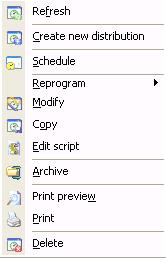
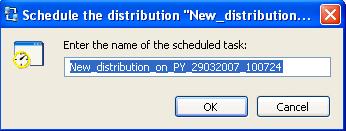
In the case of a planifiaction, the Windows task scheduler box of the distribution server will open and will be able to enter your settings. Planning a distribution has the effect of sending the distribution on programming each time the scheduled task runs.
You must specify a valid name.
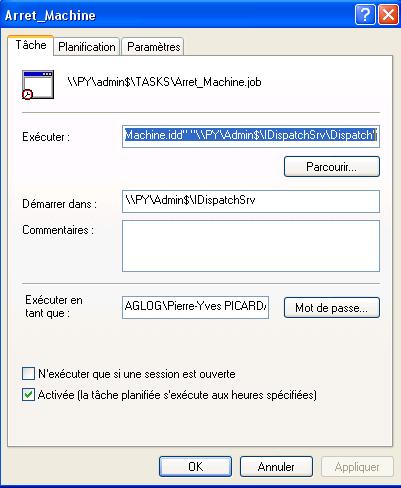
You can then set your scheduled task according to your needs
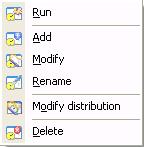
When a scheduled task is created you can subsequently modify, rename, delete, run, or view the properties of the distribution it plans, with a simple right click of the mouse button.