


 Français
 English
 Español
 Deutsch
 Italiano
How to deploy sending an e-mail?
How to deploy sending an e-mail?
This action allows to send an e-mail from a target computer.
You can set the following options: (in bold the required informations)
- The SMTP address of the server.
- The port number of the SMTP server.
- Define if the SMTP server requires an authentication (a user account/password will be needed).
- The sender e-mail address.
- The recipient e-mail address.
- Any addresses of recipients to copy.
- A possible list of files to be attached to the e-mail.
- The subject of the e-mail.
- The body of the message to send.
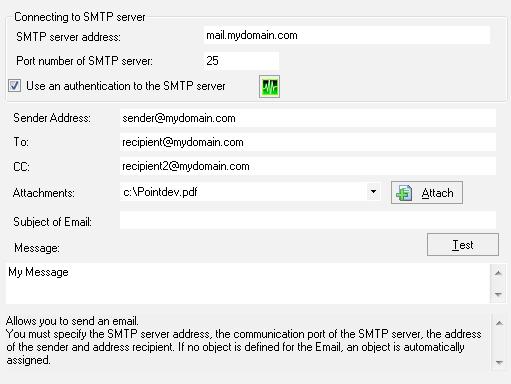
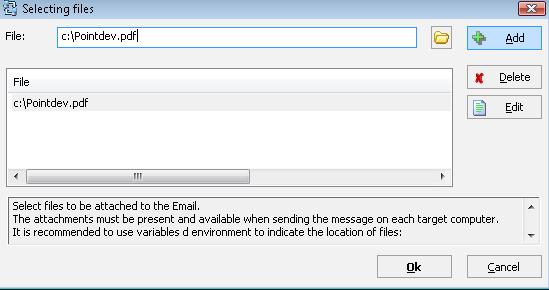
Many files can be easily attached to the e-mail, only if they are available and accessible during the execution of the sending e-mail action..
N.B :
At this time, e-mails cannot be send by SSL.
It means for example, that you cannot use the GMail SMTP server "smtp.gmail.com" on the 465 port.
Example :
Generating reports on each target computer and sending them by e-mail


