Français
 English
 Español
 Deutsch
 Italiano
How to deploy the modification of the UAC level on your network?
How to deploy the modification of the UAC level on your network?
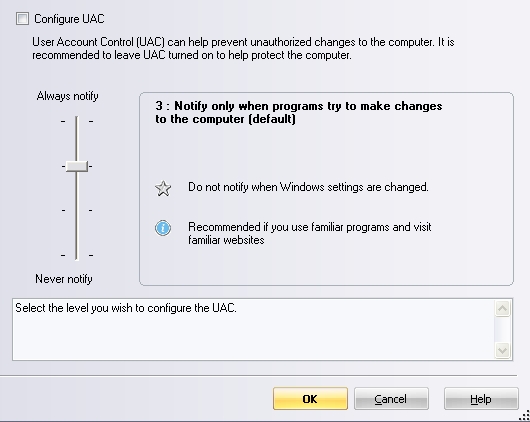
This action allows you to change the UAC level of a target computer using Windows Vista, Windows 7, Windows 2008 Server, Windows 8, Windows 2012 Server.
Select the UAC level using the vertical cursor.
On computers using Windows Vista, UAC only allows two states: "active" or "inactive".
The leves 2, 3 and 4 belongs to the "active" state.
The deactivation of the UAC (level 1: never notify) may need to restart the computer to be effective.