Français
 English
 Español
 Deutsch
 Italiano
 Русский

What is a distribution?
What is a distribution?
Once a distribution serveris added, you can create new distributions.
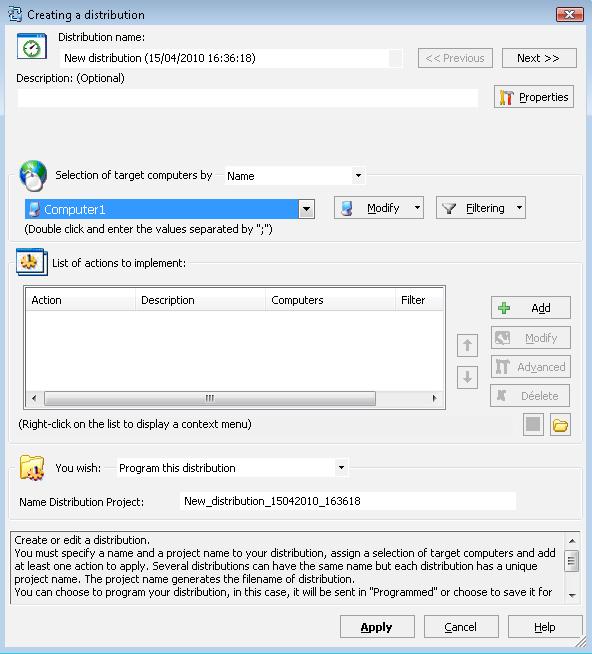
A distribution allows to program one or more actions on a set of workstations and servers given.
Thus, it is possible to remotely install Windows patches, run scripts that you previously defined, or even to update softwares.
Each distribution can be configured to be installed at a specific date and time, to define the script or program to run, to select workstations and servers taken into account, or even to configure the behavior on completion.
Full reports allow you to view the results of each installation and execution.
There are three types of distribution:
- Saved:
When you decide to save a distribution, it is placed in a particular directory and is not scheduled for future installation and execution. The interest of saving a distribution is that it can be modified and copied at will.
- Programmed:
When a distribution is programmed, IDEAL Dispatch Server does not allow any modification of it. This distribution will be executed on the set date, or immediately if you have not set a date. It is possible to remove this distribution as the date of installation hasn't expired.
- Scheduled:
In this case, the box of the Windows task scheduler of the distribution server will open and you will enter your settings. Plan a distribution has the effect of sending the distribution to programming on each triggering of the scheduled task.