Français
 Español
 Deutsch
 Italiano
 Русский
How to deploy the display of a message?
How to deploy the display of a message?
This action displays a message on a target computer.
You can set the following options:
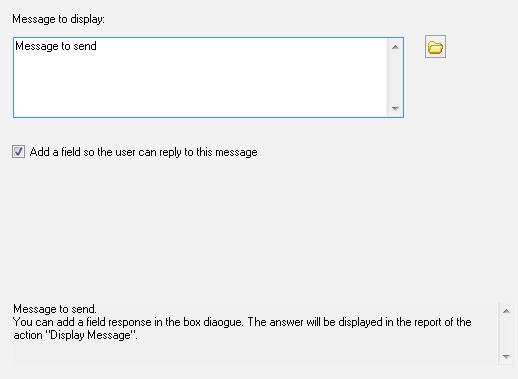
- The text of the message to display.
- Autorization or prohibition of a response from the remote user.
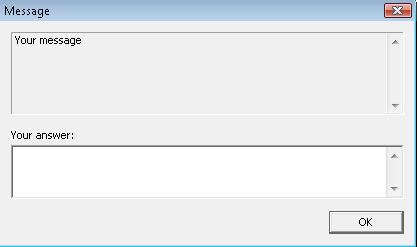
Here is an example of a dialog box that the user of the remote computer will see after executing the display a message action: