Français
 Español
 Deutsch
 Italiano
 Русский
How to export the information present in your software in CSV or HTML?
Your software gives me a lot of information about the computers in my Active Directory network, and I'm looking for a way to export it to a CSV file or to HTML.
Can you tell me if this is possible and if so how?
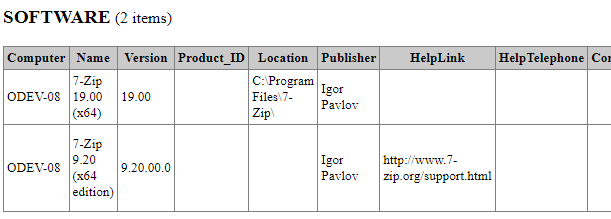
You can export all of the information displayed in our software to a CSV or HTML file, which can be opened in programs such as Microsoft Excel or Google Sheets, or to an HTML file, which can be viewed in a web browser.
To do this, you must use the export function that you find by selecting the following icons  or
or  which you will find as soon as the export function is possible.
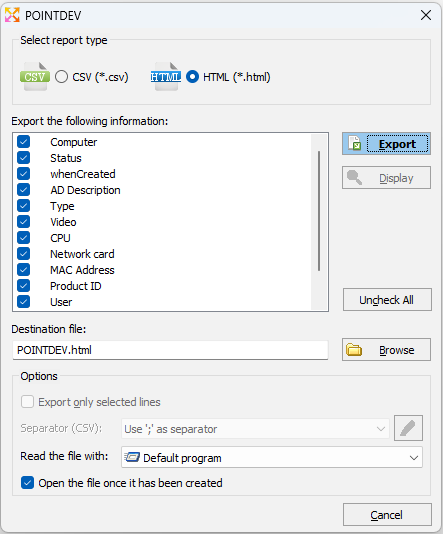
You can select CSV or HTML export type, columns and rows to export. You are also offered to automatically open the file after it is generated.