Français
 English
 Español
 Italiano
 Русский
How to centralize and remotely manage printers in Active Directory Domain?
I have to manage a lot of printers in our Active Directory domain.
How I can do this with IDEAL Administration?
First, download the free 30 day version of our software if you have not installed it yet: Download IDEAL Administration.
Once installed, just execute it under a domain admin account.
You have several solutions to centralize the printer management in your Active Directory domain.
- Use Sharing and Printing Center:
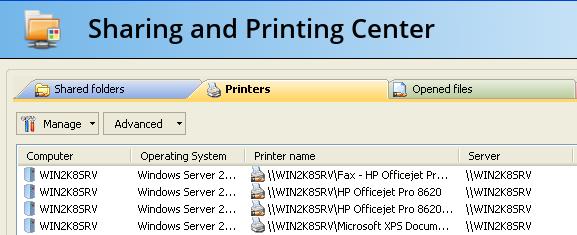
Use the right button click on the printer server, and select Sharing and Printing Center, and then select Printers tab.
From this, you have totaly manage all your printers configured on your server. You have the possibility to manage several printer servers at once.
- Use Domain Printers Management:
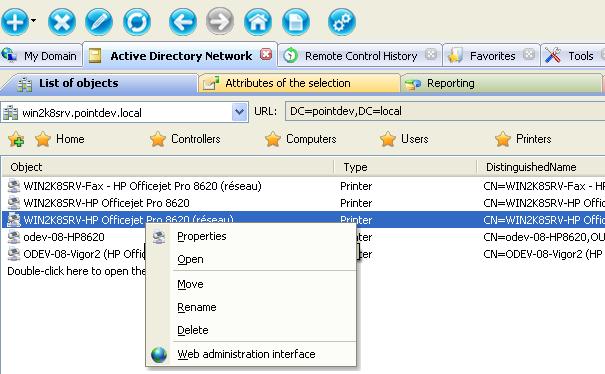
Select Active Directory Network tab, on the List of objects tab, Action button, Browse mode, By object type.
Then select Domain printers folder to browse all the printers configured in your Active Directory domain.